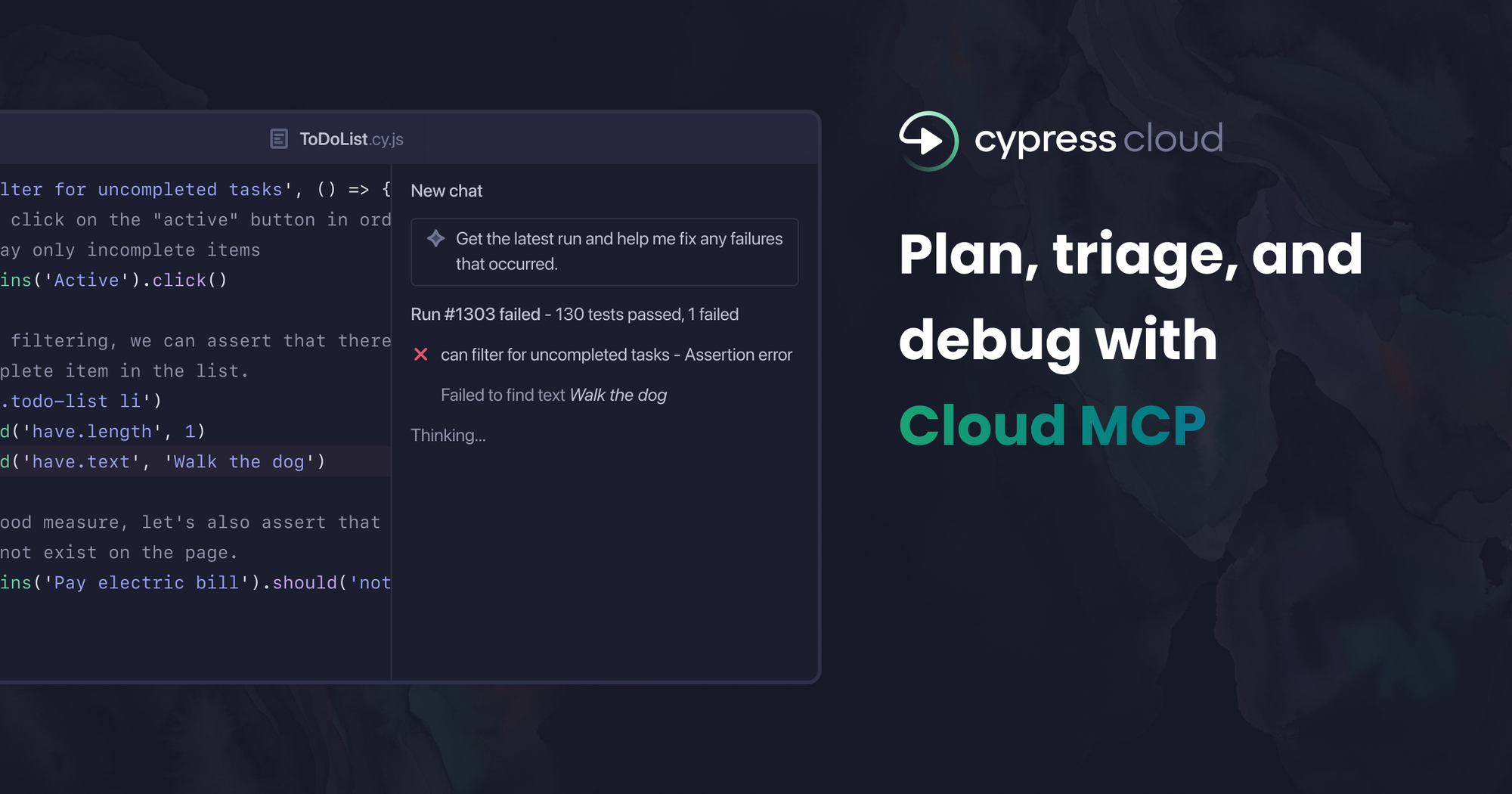
Today, we are releasing the beta of Cloud MCP — a remote Model Context Protocol (MCP) server that connects AI coding assistants and AI Agents directly to Cypress Cloud.
If you've ever finished a CI run, watched it go red, and then spent the next ten minutes copy-pasting stack traces into a chat window, you know exactly what problem we're solving. We're bridging the context gap in AI-driven development.
The context gap slowing down test debugging
AI coding assistants have forever changed how fast developers work. Code gets written, reviewed, and shipped faster than ever, which makes "old" frictions feel even more painful. The biggest bottleneck? The moment a test fails in CI.
Standard LLMs suffer from a “context gap”. Your assistant can’t see the test runtime. It doesn't know which specs failed, what errors were thrown, or the state of your application's DOM before the failure. You’re forced to do the work yourself: navigating to Cypress Cloud, finding the failed test, copying the error, switching back to your editor, pasting it in, explaining the context, and then iterating through that loop again and again.
It's a slow, manual debugging loop that shouldn't exist. Cypress Cloud already has exactly what your AI needs. It knows every failed command, every error, and every stack trace. Cloud MCP simply gives your assistant the "eyes" to see that data, turning a basic chatbot into a high-functioning AI agent.
That's the gap Cloud MCP closes.
What Cloud MCP does
Cypress Cloud MCP is a remote server that gives AI the tools to query Cypress Cloud directly for real-time run statuses, failure details, error messages, stack traces, and flaky test reports. When you ask your assistant about your tests, it gets a specific answer based on what actually happened in your run, not a guess.
The initial toolset is focused on the two questions that matter most after a run: do I need to fix something, and where do I start?
The Agentic Advantage: Solving 50 CI failures in 60 seconds
We've all been there — you push what feels like a quick fix, open the PR, and your heart sinks when you see how many tests failed in CI. What should have been a fast merge suddenly looks like a long afternoon of debugging.
That recently happened to me. I pushed a small change that triggered over 50 Cypress test failures. Since I already had Cloud MCP configured, instead of opening Cypress Cloud to start the manual triage, I asked my AI agent what was failing. In less time than it took to check my Slack notifications, I had the root cause: a selector change that had cascaded across more tests than I expected. One fix, done.
That failure probably wouldn't have taken long to track down manually in Cypress Cloud. However, because the AI had direct access to the failure metadata, there was no context switching. I didn’t have to find the run, scan the failures, and build a mental model before switching back to my editor; the assistant did it all for me.
That’s what Cloud MCP truly solves: it closes the context gap by bringing the data to you. It’s not just about how fast you can debug, but where your attention stays. It keeps you in your flow while the AI handles the triage in the background.
Getting started
Cloud MCP integrates with any AI coding assistant or agentic environment that supports remote MCP servers over HTTP, including Google Anitgravity, Claude, Cursor, GitHub Copilot, and OpenAI’s Codex CLI.
Step 1: Enable Cloud MCP for your organization. An admin enables the integration from the Integrations page in Cypress Cloud.
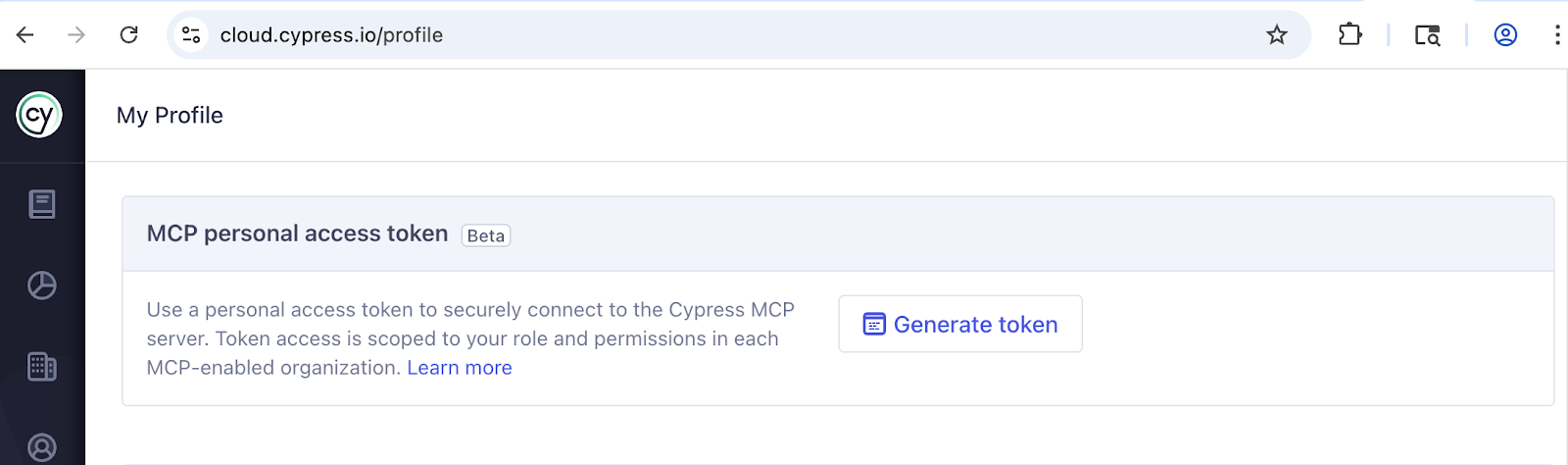
Step 2: Generate a personal access token. Each user creates a token from their Cypress Cloud profile under the MCP Personal Access Token section. Because this is a user-scoped token, the AI only sees the projects and test data you already have permission to access.
Step 3: Add the remote server to your AI client. The server URL is https://mcp.cypress.io/mcp. Follow our Cloud MCP configuration documentation for step-by-step instructions for your specific AI tools.
The moment you connect, your AI assistant stops guessing and starts knowing. It gains instant, real-time insights into your Cypress Cloud results, including failure logs, stack traces, and Test Replay links, so it can diagnose test issues right away.
We’re listening: Building the future of AI testing
This is a beta, and we’re moving fast. Our first set of tools focuses on the two most critical workflows: root-cause analysis and investigating flaky tests.
But we don't plan on stopping there. We are working with our Alpha adopters to turn "AI assistants" into "Autonomous Dev Agents." We’ve heard their feedback loud and clear. To truly trust your AI’s analysis, it needs more than just a stack trace. We are currently exploring ways to expose network requests, test command logs, and historical flake data directly to the MCP server to ensure your agents have the full context they need to act autonomously.
Who can use Cloud MCP
Cloud MCP is available for free to all Cypress Cloud plans, including the Starter plan. We believe AI-assisted debugging should be accessible to every developer building with Cypress.
If you already record your runs to Cypress Cloud, you can start using Cloud MCP today.
Ready to close the context gap?
Read the Cloud MCP documentation to enable the integration and connect your AI assistant. Need ideas to get started? Check out Normia Pop's demo in the latest Bug Bash episode.
Updates
Cypress Cloud MCP reached general availability on May 20th, 2026. Learn more in our GA announcement.