Cypress Accessibility and AI Agents
By The Cypress Team
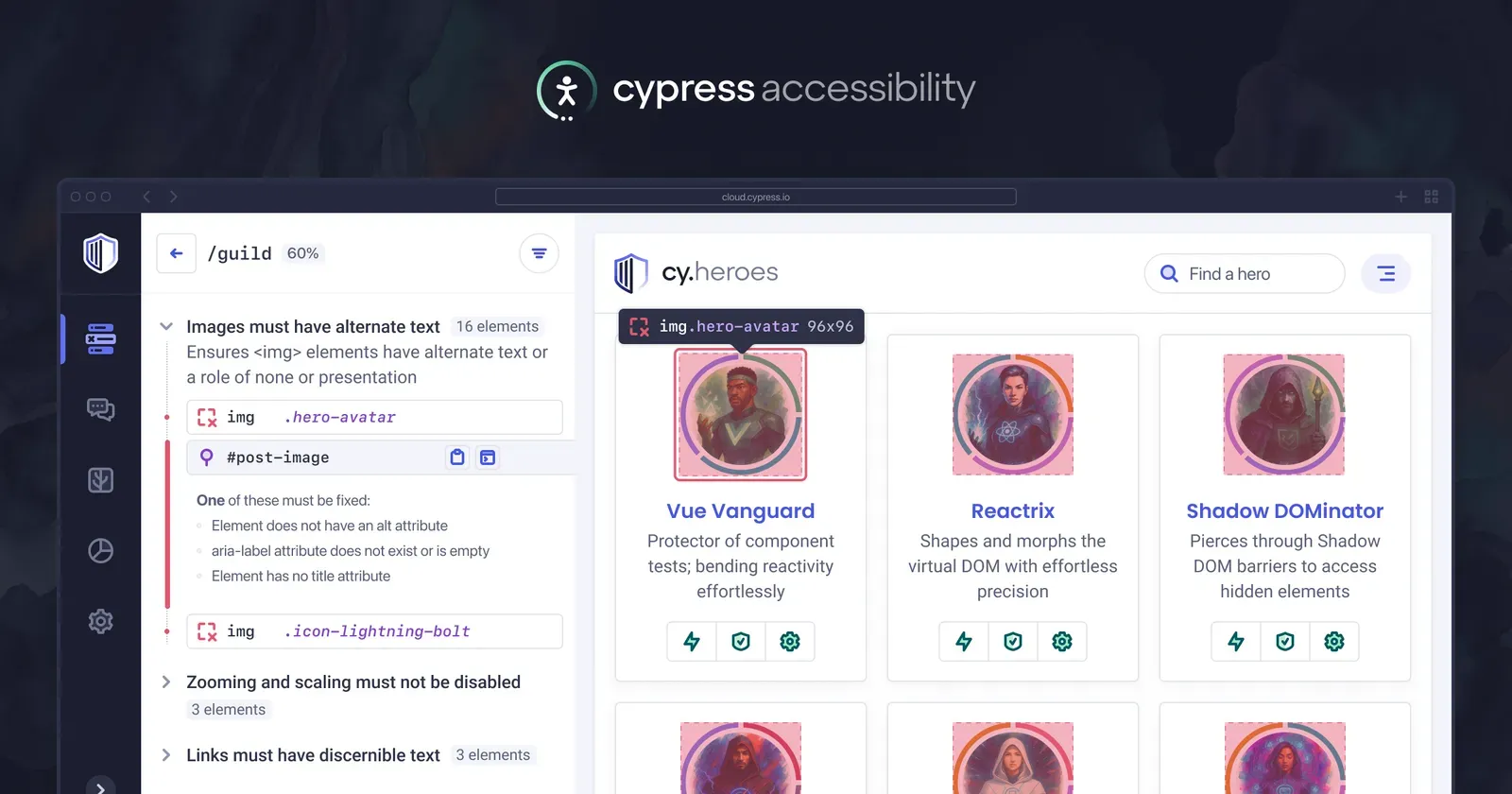
We are excited to share our latest guide on Working with AI Agents, designed to help teams accelerate their accessibility workflows.
Cypress Accessibility runs in the background in Cypress Cloud as your runs are recorded, automatically capturing thousands of snapshots of your application states and processing them with accessibility checks.
This data was recently made available through Cypress Cloud MCP, making it easy to get access to the specific pages, rules, and elements that are showing accessibility issue. The guide focuses on patterns you can use with the MCP, plus other ways to integrate AI into your accessibility practice.
While LLMs can't fully solve your accessibility issues independently, they can propose solutions and tradeoffs, triage findings effectively based on your specific team and company needs, and offer some in-browser assistance to understand what's been reported.
Manage results with Cypress Cloud MCP
The Model Context Protocol (MCP) allows AI agents to pull run metadata and accessibility summaries directly from Cypress Cloud. You can prompt your LLM to analyze the latest results, group violations by their relevance and "solvability", and even generate a remediation action plan tailored to your team's specific roles and responsibilities - such as developer-focused issues, design issues, and content issues.
Read more about using Cloud MCP accessibility tools.
Optimize Reports for AI Efficiency
To get the most out of an AI assistant, context is key. This section outlines how to refine your Cypress configuration to provide clearer signals to your agent. By implementing lightweight component identification techniques—such as adding meaningful data attributes—you can help AI agents accurately locate failing elements within your codebase without parsing unnecessary HTML.
Read about how the new components configuration saves time and context for your team.
Debug Directly with Browser LLM Tooling
Leverage the power of in-browser AI, such as Google Chrome’s Gemini assistant, to debug issues in real-time. By using the "Print-to-Console" shortcut in Cypress Cloud, developers can jump directly to failing elements in the DOM and start a diagnostic chat to explore root causes and potential fixes immediately.
See this workflow step-by-step, showing how to have a live DOM debugging session with your LLM directly working on the page, exactly as it was in your CI environment when the issue was detected.
New: Expanded Accessibilty Analytics
Your Enterprise Reporting area now contains more breakdowns of your cross-project accessibility data - tracking individual rules and severity categories over time and showing when something has gone off track. Combining this view with the LLM workflows above helps you easily zoom in from a months-long trend into comparing specific runs, tracking root causes, and determining team ownership.
See what's new in how to track progress and spot trends.
Ready to transform your accessibility workflow?
Explore the full Working with AI Agents guide, or request a trial of Cypress Accessibility to get started.