Cypress AI Skills: Get More From Your AI Coding Assistant
By Emily Wisniewski
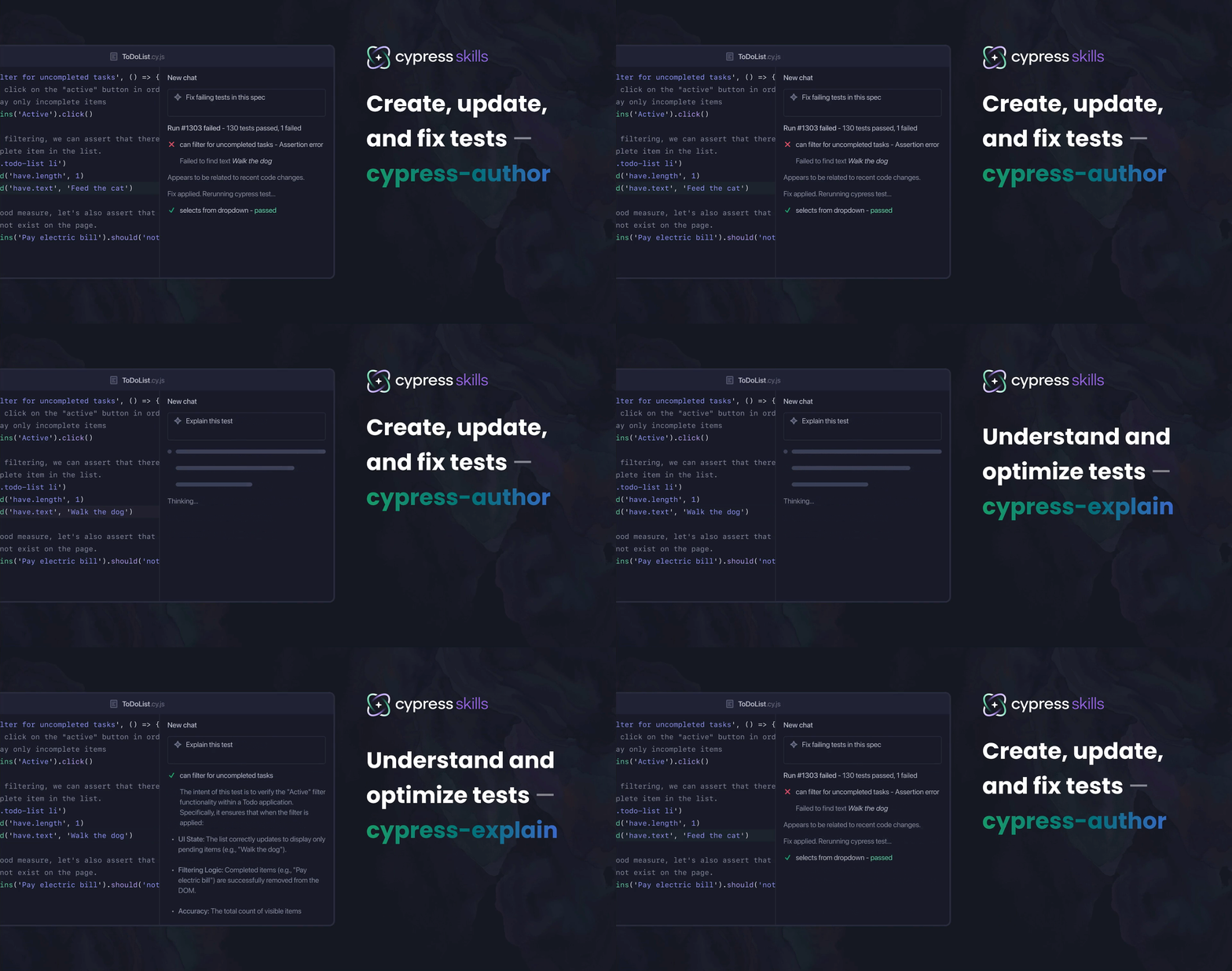
AI coding tools can write Cypress tests. What they tend to struggle with is writing them well.
Ask an AI assistant to generate a Cypress test and you'll probably get something that runs. But look closer and you'll find CSS class selectors instead of data-cy attributes, cy.wait(3000) instead of network aliases, and no awareness of the custom commands your team already built. It's a Cypress test — it's just not the kind of Cypress test you'd write yourself.
That's the problem Cypress AI Skills is designed to help with.
What Skills actually are
Skills are instruction sets that tell your AI coding assistant how to approach a specific Cypress workflow. What conventions to follow, what patterns to prefer, what to avoid.
They're not magic. They don't guarantee perfect output. What they do is steer AI toward better decisions more often — the same way a style guide helps a new contributor write code that fits the project, even if they don't follow it perfectly every time.
Skills are published in the open-source Cypress AI Toolkit and work with any AI coding assistant that supports custom instructions, like Cursor, Claude Code, and GitHub Copilot.
Two skills to start
cypress-author — guidance for creating, updating, and fixing Cypress tests
This skill instructs your AI agent to read your project first — config, existing specs, custom commands, fixtures — before generating anything. The goal is output that fits your project's conventions rather than falling back on generic patterns. That means preferring stable selectors over CSS classes, reusing your existing helpers instead of reinventing them, and sticking to APIs your version of Cypress actually supports.
How well that lands depends on the model and context, but the skill consistently pushes output in a better direction than going without it.
cypress-explain — guidance for understanding tests and cypress concepts
Reach for this when you're trying to understand what a test suite covers, onboarding someone new, or figuring out why a test is flaky before rewriting it. The skill instructs the AI to use accurate Cypress terminology, flag brittle selectors and timing assumptions, call out missing assertions, and catch misleading test titles — the kinds of things an experienced Cypress developer would check for.
Why this matters at the team level
Every developer on your team prompts differently. Different vocabulary, different levels of Cypress experience, different habits. Skills give everyone a shared baseline of Cypress knowledge to draw from, which helps reduce the variance in what your AI tools produce. It won't make output perfectly consistent, since the person prompting and the model still matter, but it raises the floor.
What this looks like in practice
You can invoke a skill explicitly with a slash command (/cypress-author, /cypress-explain) or let your AI tool pick it up automatically based on your prompt.
Here are a few examples of how you can work with skills:
Scaffold from requirements:
Review the acceptance criteria for the "Mark all complete" flow:
- Clicking the checkbox toggles every task's completed state
- All tasks move to the "Completed" list
- The footer shows 0 active items

Check if these are already tested. If not, scaffold tests for any gaps.
Audit a spec for quality issues:
/cypress-explain Review cypress/e2e/dashboard.cy.ts. Flag tests that are likely
flaky, over-coupled, or missing meaningful assertions.
Generate tests using cy.prompt():
Write a new Cypress test that uses cy.prompt() to:
1. Visit the shopping cart page
2. Remove the "Vegetables" item from the cart
3. Increase the quantity of the "Chocolate" item to 6
Get test intent summaries:
Summarize what the tests in cypress/e2e/onboarding.cy.ts cover in plain language,
as if explaining it to a product manager.
Get started
Install all skills with one command:
npx skills add cypress-io/ai-toolkit
For manual installation, tool-specific setup, and troubleshooting, see the Cypress AI Skills documentation.
Part of a broader picture
Skills handle the authoring side — giving your AI better guidance when it's writing or reviewing tests. For the full picture of how AI works across Cypress, from self-healing selectors to CI failure debugging, see Cypress AI features.
Open source, open to contributions
The Cypress AI Toolkit is open source. If a skill gets something wrong or you've built an improvement, open an issue or a PR.