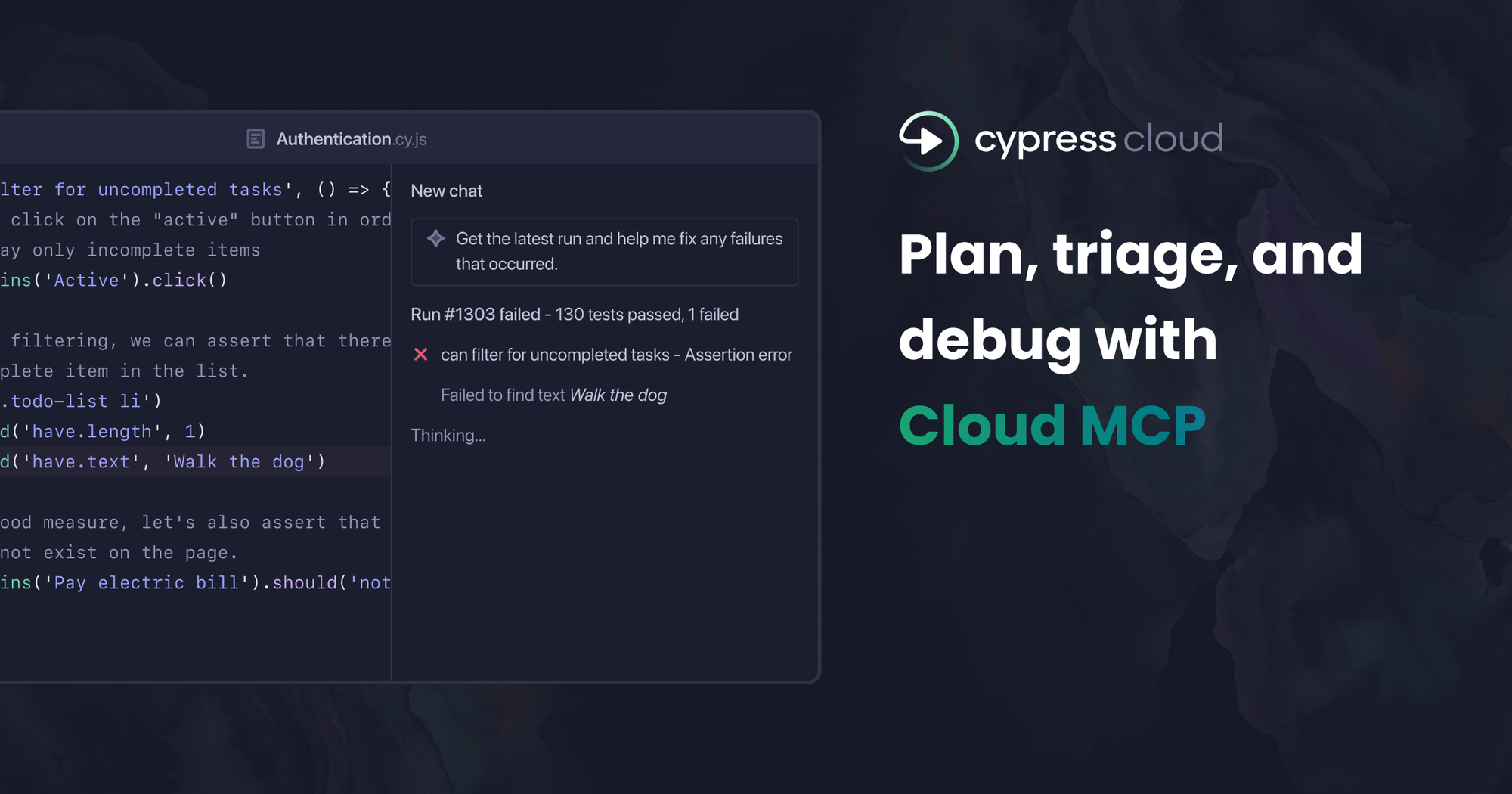
Today, Cypress Cloud MCP is generally available!
When we launched Cloud MCP in beta two months ago, we had a hypothesis: developers shouldn't have to copy-paste stack traces into a chat window to get their AI assistant to help them debug. Cypress Cloud already had all the context their assistant needed. We just needed to close the gap.
The response told us the hypothesis was right. In the 9 weeks since beta, over 500 organizations connected, and more than 1,000 developers have used it to query their Cypress Cloud data directly from AI assistants like Claude, Cursor, and GitHub Copilot.
What's changed since beta
We used the beta period to listen, and three things came back to act on before GA.
UI Coverage and Accessibility. The initial beta focused on test failures and flaky tests — what broke and why. But your AI assistant can now go further. With UI Coverage data available through MCP, you can ask your agent which parts of your application aren't covered by tests at all, not just which tests are failing. And with Cypress Accessibility integrated, your agent can triage violation reports, group issues by severity, and suggest fixes — the kind of work that used to mean a long morning in a separate tool.
OAuth authentication. Setting up Cloud MCP in beta meant generating a personal access token, copying it, and managing rotation. We heard that it was friction, especially for teams rolling this out across multiple developers. OAuth is now the recommended authentication method. Add the server URL, sign in through your browser, and your client manages the session automatically for 30 days. No tokens to configure or to keep track of. Personal access tokens still work for clients that need them, but most won't.
What you can do with it today
The honest pitch is this: instead of navigating to Cypress Cloud, finding the run, scanning the failures, building a mental model, and switching back to your editor. Your assistant does that work, and you stay in flow.
Some prompts that reflect how people are actually using it:
- "What failed in my last CI run on main and what's the root cause?"
- "Which parts of the checkout page don't have UI Coverage?"
- "Summarize the critical accessibility violations from my latest run and group them by what I can fix now versus what involves third-party components."
- "Which tests were flaky in the last run?"
These aren't impressive because the prompts are clever. They're impressive because the answers come back grounded in your actual run data, not a guess.
What we're building toward
One piece of feedback from beta users has been consistent: they want their AI to see not just the error, but the full execution context — the DOM state, the network requests, the moment before the failure. That's what Test Replay captures, and we're running experiments to expose that data.
Behind all of this, though, is the bigger question: how do we give developers the right testing context, in the right place, fast enough that AI assistance actually changes how the work feels? We're exploring more than one answer. The constant across all of them is the same goal — helping you act quickly, with confidence, so you can focus your time where it matters.
Ready to close the context gap?
Cloud MCP is free on all Cypress Cloud plans. Enable the integration from your organization's Integrations page, authenticate with OAuth or a personal access token, and add the server URL to your AI client: https://mcp.cypress.io/mcp.
Full setup instructions are in the Cypress Cloud MCP documentation. If you set it up during beta, you don't need to do anything because you're already on GA.
Want to see it in action? Check out our MCP Beta blog post or Normia Pop's demo in this March Bug Bash episode.