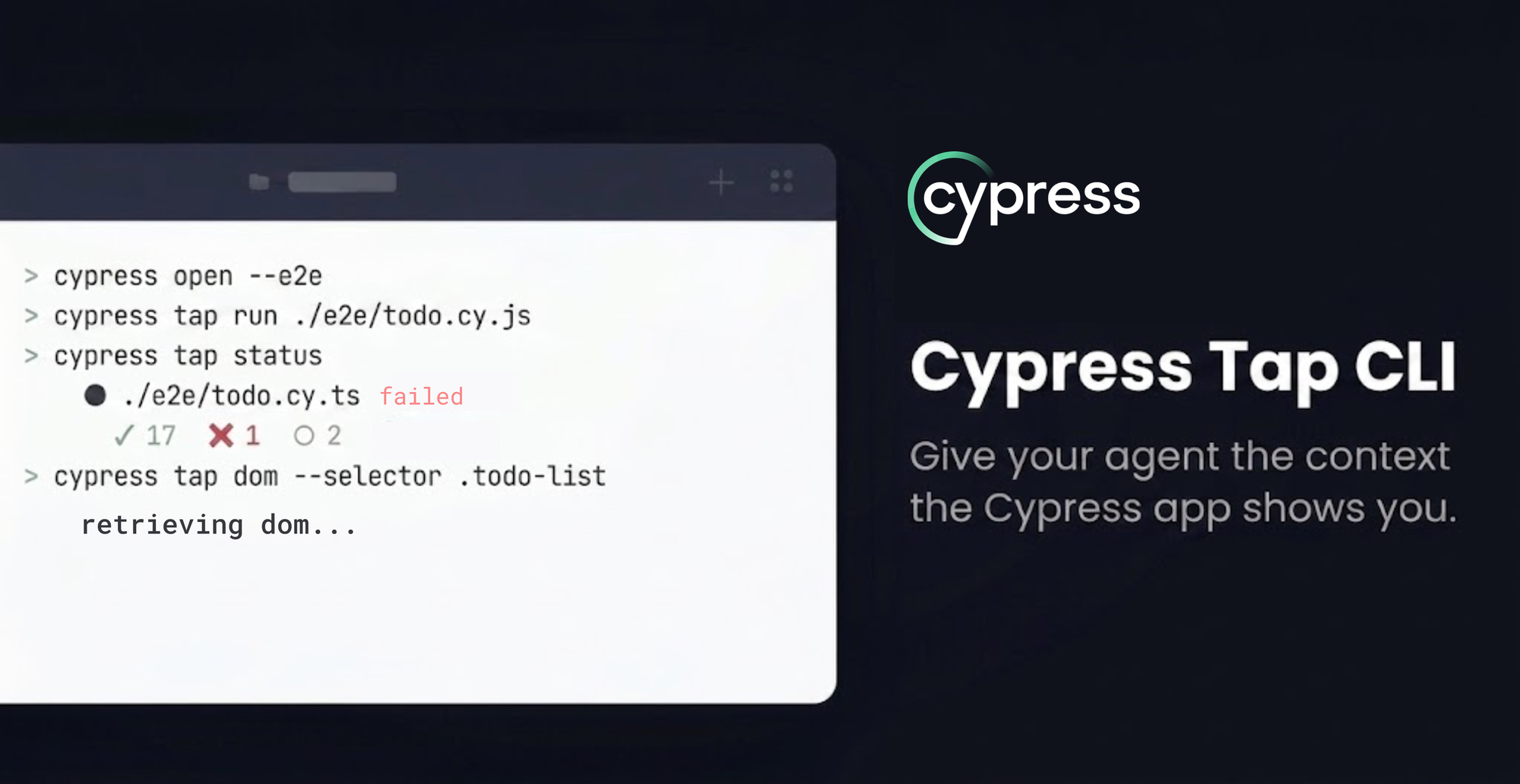
Your AI agent can write a Cypress test in seconds. It just can’t tell whether the test actually works, which leaves you still playing the intermediary between your Cypress session and your agent. cypress tap fixes that. It’s a new set of CLI commands, in beta, that let an AI coding agent drive a live cypress open session straight from the terminal. The agent runs a spec, reads the failure the way you’d see it in the Cypress app, and inspects the real DOM and ARIA tree of the app it's testing.
Agents are already good at writing test code. What they've been missing is a way to check their work against a real browser the way you do when you have the Cypress app open in front of you. That's what cypress tap gives them.
What it actually does
If you've used Cypress, you know the loop: you open the app, run a spec, watch it fail, click through the Command Log, time-travel to the moment it broke, and inspect the DOM to figure out why. cypress tap gives an agent the ability to execute that loop autonomously.
A few things worth knowing up front:
- You'll need Cypress 15.21.0 or later. That's the only real prerequisite.
- It's free, with no usage limits, for anyone authoring Cypress tests.
- It attaches to an already running cypress open session, which is what makes the app context available. It doesn't start its own headless run.
- It's designed for agents first. It prints readable text by default, but every command is built so an agent can consume the output and decide what to do next.
- It runs against your local app, no CI and no Cloud account needed.
The commands cover the loop end to end: run a spec, poll its status, read the reporter output, pin a snapshot to time-travel, and inspect the DOM or accessibility tree at that pinned moment.
Authoring, not just debugging
Here's where it changes your day-to-day work.
A common way people work with agents today is to hand over a requirements doc or a test plan and let the agent author the tests. And agents are genuinely good at this. They read your source, understand the flow, and scaffold a spec that looks right. That gets you a surprisingly long way.
The wall they hit is that "looks right" and "passes for the right reasons" aren't the same thing. Code alone can't always tell the agent which locators are actually in the DOM or what state the app is really in, so the test that looked reasonable fails, and the agent is stuck guessing at why.
That's the moment cypress tap earns its place in your daily workflow. When the agent hits the edge of what it can know from code, it runs the test against the live app and looks.
Say the agent scaffolds a checkout test and writes cy.get('.submit-btn') because that felt like a sensible guess. It runs the spec and the test goes red:
cypress tap run cypress/e2e/checkout.cy.ts
cypress tap status
The status comes back failed, so it pins that step and reads the actual DOM:
cypress tap pin
cypress tap dom
Now it can see the real markup: the button is [data-test="checkout-submit"], not .submit-btn. It corrects the selector and reruns. No guessing, no asking you to paste in the HTML.
The other path is to look before writing. The agent visits the page, pins the current state, and inspects the DOM to understand what's actually rendered, then authors the next command to drive the test forward.
This gives you two ways to work: fix the test after an initial run or author from scratch. You can point your agent at either, and most real tasks end up using both. What matters is that verifying and authoring stop being separate steps. The agent writes, checks against reality, and adjusts, in the same loop.
You can wire this into your agent's instructions file (AGENTS.md) so it knows the commands are there and when to reach for them. The docs include a snippet for that, plus a set of copyable prompts to get you started.
Closing the loop
This completes a story we've been building toward since the beginning of the year.
Cypress already had the triage and debugging side covered through Cloud. Your agent can pull a failing test from Cypress Cloud using the Cloud CLI, read the run history, and understand what broke in CI. What it couldn't do was write or verify the fix locally with real app context.
Now, with cypress tap you can connect the two together so your agent can go from “this failed in CI” to a fix that is verified against the live app. is the local side that works against a live Cypress session. And the two connect directly. To create this loop, point the Cloud CLI at a run recorded in CI and get a list of failing tests. For each of those failing tests, your agent can review the recorded Test Replay and your source code to identify the root cause of the failure. Once it understands the failure, you pass the test’s spec path to cypress tap run so your agent can run the test and iterate until it passes.
- Cloud CLI → triage and debug: find the failing test, read its history, identify why it failed.
- App CLI (cypress tap) → author and verify: write or fix the test, confirm it against the live app.
How to get started
1. Make sure you're on a recent version of Cypress. cypress tap needs Cypress 15.21.0 or later.
npm install cypress@latest --save-dev2. Start Cypress in open mode. The commands attach to this session, so it needs to be running.
npx cypress open3. Point your agent at cypress tap.
Install the cypress-tap skill from the Cypress AI Toolkit, so the agent knows what commands are available.
npx skills add https://github.com/cypress-io/ai-toolkit --skill cypress-tap
Prefer to write your own? Drop the AGENTS.md snippet from the guide into your project. Then hand your agent a task. Something like:
Write a test for the checkout flow. Use cypress tap to run it against the live app and fix any selectors that don't match.
The fastest way to feel the difference is to give it a test that's currently failing and let it work the loop.
Ready to close the context gap?
cypress tap is the piece that lets your agent stop guessing and start looking. Pair it with the Cloud CLI and the full loop is there: triage what broke in CI, then author and verify the fix against a live app, all without leaving the terminal.
It's free, it's in beta, and it works on Cypress 15.21.0+. The full command reference and setup can be found in the cypress tap guide. Give it a spec that's currently failing and see how far your agent gets, then tell us what worked and what didn't. That feedback is what shapes where this goes next.
Happy Testing!