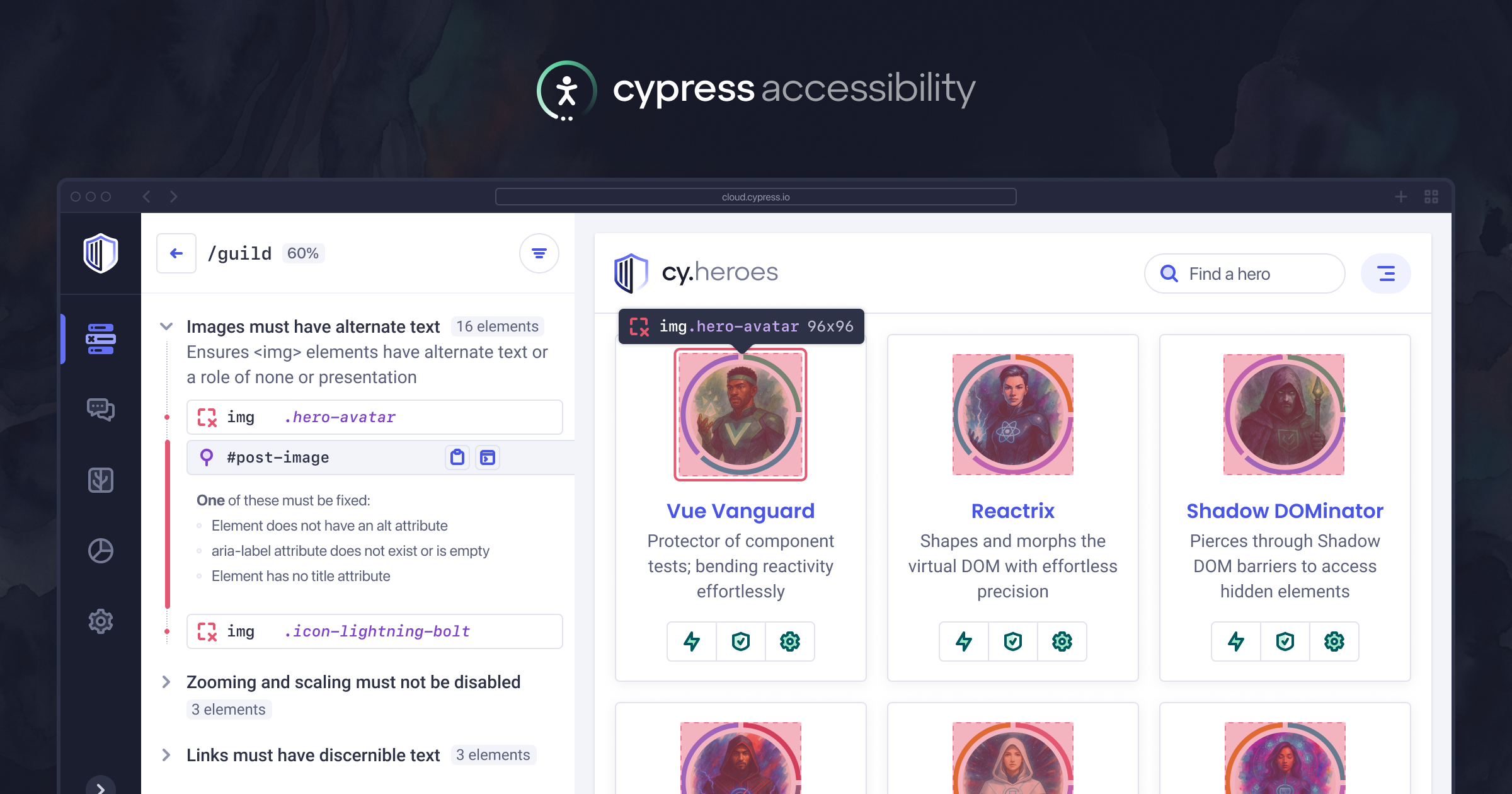
Over the last year, we've delivered some of the most requested features by current Cypress Accessibility customers, and extended the range of use cases and environments we support.
If you're not familiar with Cypress Accessibility, here's the three things you need to know:
- Automated test runs you record to Cypress Cloud can generate page- or component-level accessibility reports based on everything that happened in your tests, including all steps of all user journeys.
- It supports comparing runs on-demand to see only the new issues, comes with CI integrations, and has full page debugging artifacts for every reported issue.
- There's no plugin to install or commands to run - all the work is fully "out-of-test" and happens in Cypress Cloud.
This post will go into detail on about some of the latest highlights:
- Jira issue creation, direct from an accessibility violation
- Enhanced configuration to support multiple teams working in the same project who need different accessibility reports.
- New accessibility checks based the interactions in your tests, not just your applications code
- Rule-specific element ignoring, to mute known issues while allowing new issues to still be detected for that element
- Improved deduplication of elements for easier-to-review reporting
- Updated guides and documentation
Jira issue creation
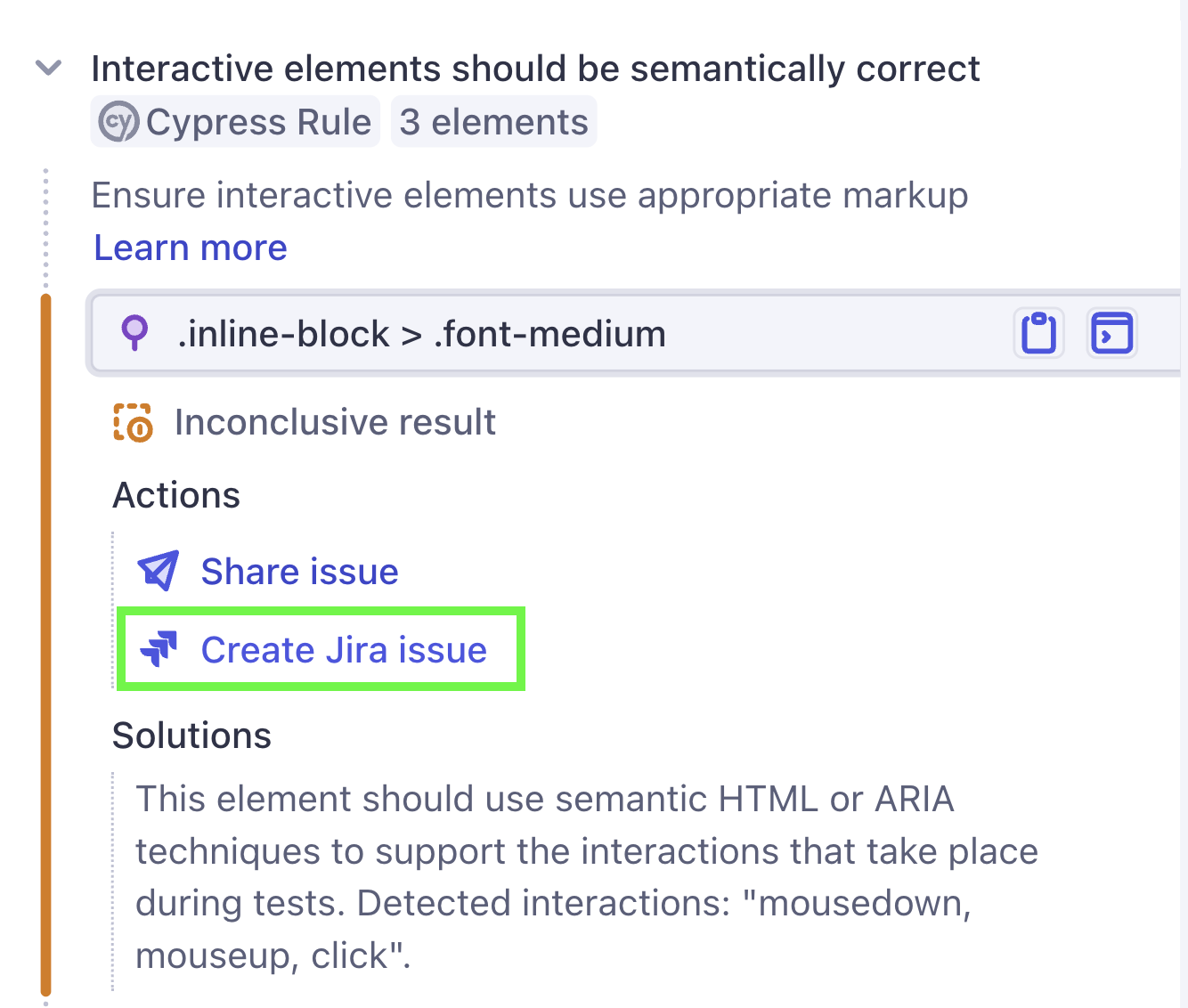
Cypress Cloud Jira integration users can now create issues directly from accessibility violations. The content will be pre-populated with an issue description and a reference to the meaning of the violation and its potential solutions, as well as a deep link to review and debug the failed element in Cypress Cloud. This forms a complete, actionable bug report with a built-in reproduction for further investigation and triage by a developer.
Don't use Jira? You still have a quick share option! The same bug report content is created with the "Share Issue" to copy to your clipboard. Choose plain text or markdown to get the best formatting for wherever you intend to use it.
Supporting larger teams and complex use cases
Cypress Accessibility automatically detects pages, elements. and components when a Cypress test run is recorded to a Cloud project. The rules for exactly which pages and elements to include are defined in the Cloud project's settings.
In many cases, Cloud projects are already scoped to run tests related to a particular feature, or tests related to a specific team, and so there is one clear "owner" of accessibility issues discovered in that project. Project-level config works perfectly for those situations.
Sometimes, though, multiple teams may record different sets of tests to the same Cypress Cloud project, or even record the same tests but have different areas of ownership. Working this way can mean that accessibility issues that are automatically detected during a run might not be relevant to the team who "owns" that run, because the project config includes more than just the scope of a single team. For some customers, there are dozens of teams working across hundreds of projects and reorganizing things is not practical.
To solve this problem, we've introduced configuration profiles, which allow you declare a specific configuration at the time your tests execute, using run tags. This means that individual runs can have a targeted accessibility report for a particular team, without removing any data that would be used by other teams.
For example, test runs triggered by the "checkout team" which owns the interface for buying items, can be set up to ignore areas of the page like the header and footer, and whole pages unrelated to the checkout flow. As a result, any issues in the accessibility report for that run are automatically assignable to the correct team.
Another example would be production monitoring. You may want different rules for a large scale crawling test run than for your core functional E2E suite. Crawling scripts often focus on high volumes of pages that are driven by content authors and editors, and ignore areas that are controlled in code.
Adjust in the config for this provides a clean report for marketing and content specialists to work from, where they know can influence and solve all of the issues by doing things like adding missing alt text or fixing content structure.
Developers, on the other hand, need the exact opposite of that kind of report: those same content issues are noise to developer and can lead to frustration if used to block a pull request, because updating content in CMS is not related to the code they have written and maybe not even something they can do.
Ignoring parts of the application like this to produce narrowly scoped reports might seem like it would risk things falling through the cracks, but Cypress does something unique to help with this. We continue to track all violations detected for elements you've ignored with your configuration, and keep them available for review, though a dedicated filter on each report. This makes it safe to aggressively dial in the signal-to-noise ratio, because you will never have to guess what's been left out of a report.
Ignore some rules for specific elements
Sometimes there is a known accessibility problem you must live with for a while on a certain element, but you still want it checked for all the other rules and to allow them to fail.
Cypress Accessibility now honors the data-a11y-ignore attribute for this purpose, so that a list of Rule IDs can be provided where that element should not be tracked as failing, even if it has violations for those rules:
<button data-a11y-ignore="color-contrast,button-name">Log In</button>Violations will still be detected, but moved to the "ignored" status. Adding the control of this mechanism through the application code is useful in two ways: first it creates an easy paper trail in the future to track who deactivated a rule for some element and why. Second, it provides a useful escape hatch where a developer can get PR merged that might otherwise be blocked, but the choice to ignore the rule for that element is embedded in the pull request and can be questioned/documented appropriately
New rule: accessibility checks based on user interactions
Most accessibility scans are follow a "bottom-up" approach. They inspect each element in the page and based on the kind of element it is, they run accessibility rules and checks related to the purpose of the element. Cypress Accessibility does this using Axe-Core, and it's effective for catching issues where the element's purpose is clear from the code.
This year we've introduced something new, on top of those standard checks, based on the user events taking place in your tests. Instead of working bottom-up starting with the code for the elements, we start from the user interactions you've triggered in your tests, and we ask "was this element correct for the purpose of this interaction"?
The new rule, "Interactive elements should be semantically correct", often shows issues that previous would require a manual keyboard or screen reader test to surface. The extra layer of information you already created when writing tests that represent user actions drives this set of insights. You can learn more and check out a demo in the blog post announcing the new rule.
Improved element recognition within and across reports
Cypress Accessibility often scans hundreds or thousands of page states per run, because it is based on every step of every test. This means the same elements may appear multiple times in slightly different contexts, and the Axe-Core library might generate different selectors to identify the element in those places, creating duplication within a single report, and variance across reports when comparing them. This is not a fault of the library – merging thousands of accessibility reports together into one list of pages is not a standard use case.
To address this, we added configuration options for attribute filters and significant attributes. This led to up to 50% reduced element counts, and no noisy "new-seeming" elements to review in a run comparison. By controlling which attributes are import for identifying elements, you can leverage your existing test IDs or any other human-readable, meaningful attributes to improve the readability and stability of your accessibility data.
Updated guides
In our documentation we have a continuously-updated set of guides for getting the most of out Cypress Accessibility, focused on specific use cases and common questions that people have about the product. Here are some of the topics you can learn about:
- How to triage your accessibility issues and pick a good place to start
- How to block builds and set up custom accessibility policies
- How to skip your CI process and record a test directly to Cypress Cloud for immediate feedback on your changes
- How to write a "crawling" test based on a sitemap to quickly generate accessibility reports on large amounts of content
- How to detect changes in your pipeline, and investigate them with on-demand diffs
- What changes when you have solved your current issues an are in "maintenance" mode
Ongoing discovery and development
One of my personal favorite aspects of this year has been talking to many teams who have used Cypress Accessibility since the beginning. I love learning about the wins, and talking about how to make it even easier to find and solve accessibility issues using your existing Cypress suite, as well as detect new kinds of problems not usually considered by automation. These teams are often running Cypress Accessibility as part of wider accessibility process and are seeing the impact on reduced issues detected downstream in manual checks or audit.
Our long-term relationships with customers of all sizes also helps us know we are on the right track, and focus on what's most useful to work on next. The point of Cypress Accessibility is not to have a large list of accessibility problems to work on. It's to help you avoid accessibility issues in production in the first place, by keeping accessibility top of mind on every build and making it easy to do the right thing.
Try it out
If you're new to Cypress Accessibility, you can get a free trial by reaching out to us through the main Cypress Accessibility page. We'll kick it off with a customized demo based on your Cypress test runs, with no action needed by you other than your standard test recordings.
In your trial, you'll get interactive, debuggable reports for every page and component you test with Cypress, plus full API access and analytics, and you can jump right into fixing things or blocking pull request to see how it all works.
There's no impact on test performance, no extra failures will happen in your pipeline, and nothing needs to be installed or instrumented in your tests.