More data, smaller responses: what's new in Cypress Cloud MCP
By Emily Wisniewski
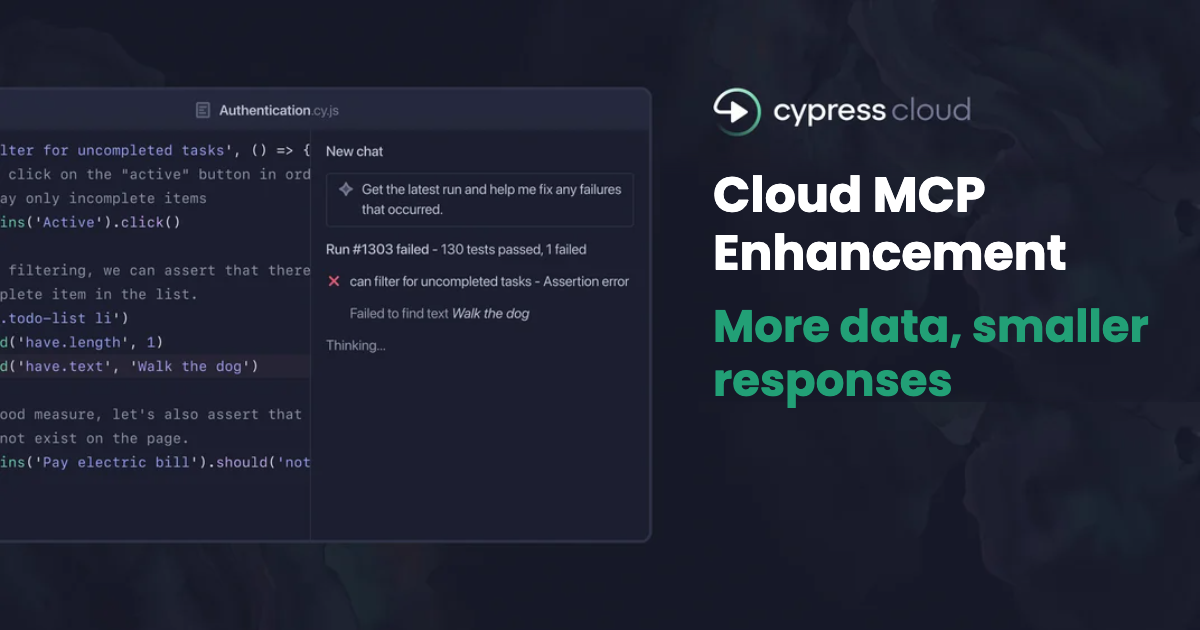
Cypress Cloud MCP connects your coding agent to your test results, so you can ask about runs, specs, and tests in plain language instead of clicking through the dashboard. This release adds the spec and test details your agent was missing, and returns details in smaller responses than before. Your agent can now go from any run to any test and it's Test Replay link, with smaller responses getting there.
Nothing to update on your end. This is live for everyone already connected.
What's new
Smaller responses by default
- Tools now return a compact response by default, and when your prompt needs more, the agent asks for the additional fields it needs. You get details where it matters instead of paying for it on every call.
New tools
cypress_get_specs: per-spec details for a runcypress_get_tests: every test result in a run
New data filters
- Filter by run, spec, or test status so your agent reviews exactly what you need
Additional data
- Durations at four levels: run, spec, test, and individual attempts
- Runs now return
commit_authorandci_build_id - Accessibility and UI coverage tools now surface deep report links to views and rule failures for improved triage and investigation
New Cypress Cloud MCP workflows to try
You can paste the following prompts into your agent to use these new tools and data. They assume the Cypress Cloud MCP server is connected and your project is configured.
Build a release report with Cypress results
Runs return commit_author alongside commit_sha and commit_branch, so a run is no longer an anonymous ID. Chaining runs into specs into tests gives you a record of what actually ran before you shipped, tied back to the change and the person behind it.
Find where your Cypress suite time goes
Duration is available at four levels: run, spec, test, and individual attempt. That lets an agent narrow from "this run took 16 minutes" to "one spec accounted for 6 of them" to "one test inside it burned 40 seconds." Large suites take several calls to page through, so scope the ask to a project or group when you can.
Check whether a Cypress test fails the same way every time
A test that fails, fails, then passes on a third attempt is flaky. Per-attempt status, durations, and errors give the agent enough to determine if it’s failing the same way or differently on each attempt. For deeper error root cause analysis, the agent can pass the Test Replay URL to the Cloud CLI cy-cloud replay timeline command for investigation.
Cypress Accessibility triage into Jira
Cypress Accessibility reports give the failing rules and their impact, and rule failures for the exact selectors, with the fix guidance. Audit these reports and log these flagged issues to Jira with deep links to the elements so that work can be planned for and picked up by an engineer on the team or an agent.
Audit skipped and pending Cypress tests
cypress_get_specs returns skipped and pending counts per spec, and cypress_get_tests returns skipped and pending tests. Run it against any run as a coverage erosion check.
Get started
The Cloud MCP documentation has installation instructions and more prompts for getting started.