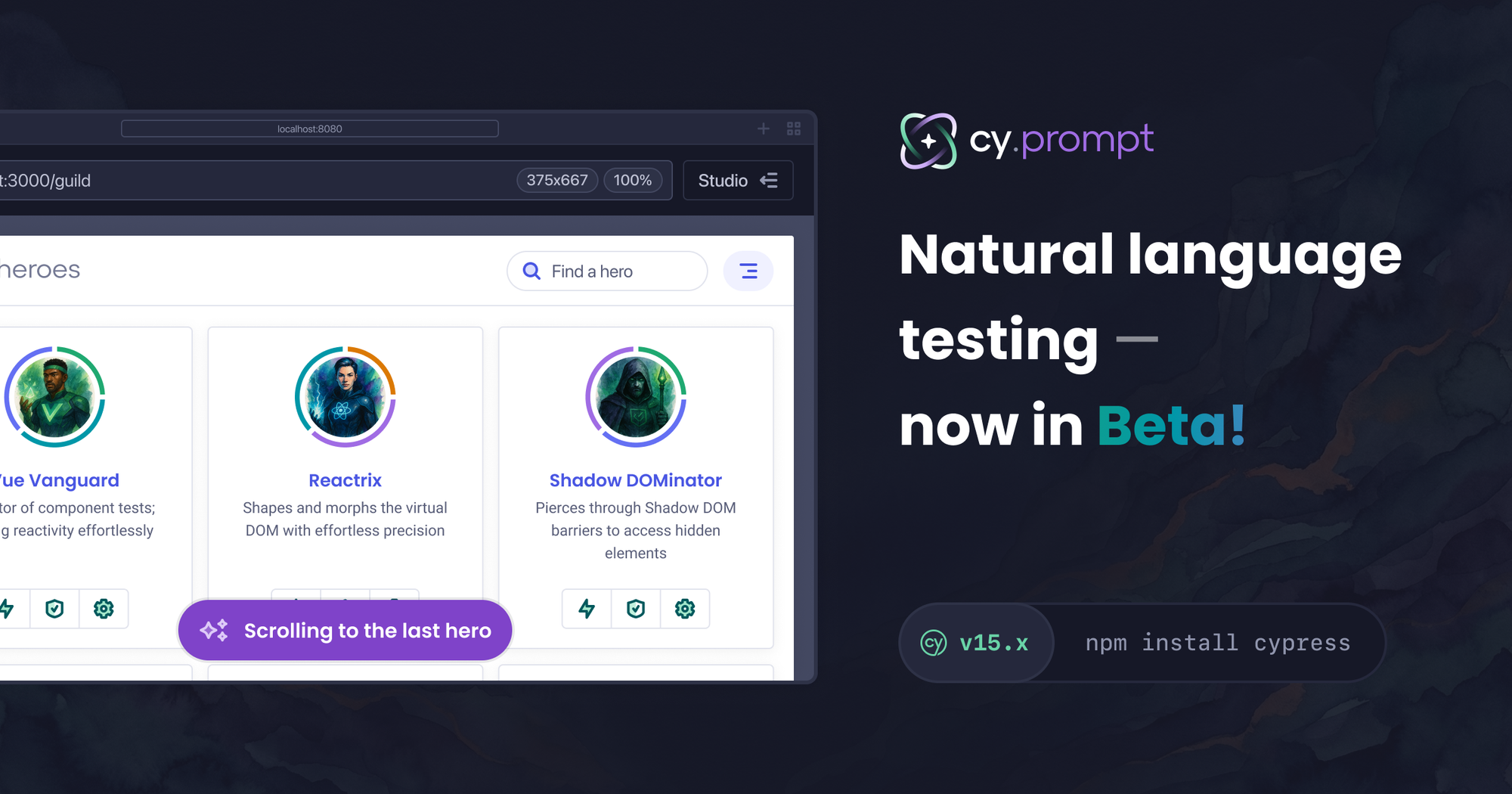
Writing tests has always required a translation step. You know exactly what the test should do. Getting that into code is the part that slows everything down. You stop mid-flow to find the right selector, check whether the element has a stable attribute, write the command, run it, fix it, run it again. By the time the test exists, you have lost the thread of whatever you were actually building.
cy.prompt was built to remove that step. Describe what you want in plain English and Cypress handles the rest. It is natural language test automation built directly into the tool you are already using.
cy.prompt([
  'Fill in the email field with [email protected]'
  'Click the sign up button'
  'Confirm "Create Account" is visible'
])
We launched cy.prompt as an experimental feature at CypressConf 2025 last October. Over the last five months, we shipped improvements based on what real teams ran into. Today, cy.prompt is in beta. It is significantly more capable than what launched in October and available to everyone with no configuration required.
If you tried it before and ran into walls, this is worth a second look. If you have been looking for a way to write tests without code, this is where to start.
A lot changed. Here is what matters.
The experimental flag is gone starting in Cypress 15.13.0. If you had experimentalPromptCommand: true in your config, remove it. cy.prompt is on by default.
Beyond the flag, here is everything that changed during the experimental period and ships with beta today.
You can now describe where an element is, not just what it is
One of the most common failure modes during experimental was ambiguous pages. Two login buttons. Multiple submit forms. cy.prompt would pick one and sometimes get it wrong.
Beta adds positional context to step descriptions. You can now tell Cypress exactly where on the page to look:
cy.prompt(['Click the Login button in the header'])
cy.prompt(['Click the Submit button in the checkout form'])
cy.prompt(['Select the Delete option in the actions menu'])
Cypress respects that location when selecting elements. Your steps are more precise, and they hold up better when layouts change elsewhere on the page.
You can see exactly what ran when a step fails
Before, when a cy.prompt step failed, you were left guessing. Was the description unclear? Was the generated code targeting the wrong element? There was no easy way to know.
In beta, you can click to view the exact code that was generated and executed for failed prompt where the command failed. That one change makes debugging feel different. Instead of re-running and hoping, you read what happened and decide whether tweaking the step description would fix it.
Generated code is now visible even without sourcemaps
If sourcemaps are not set up in your project, the Code modal and the More Info Needed modal now show the generated code for your cy.prompt commands. Previously, users without sourcemaps configured had no visibility into what Cypress had generated at all.
Saving edits back to your source file is still not available without sourcemap data because we don't know the exact location of your files. But you can see, copy, and work with the generated code directly.
Text-based targeting with cy.contains
When the most reliable way to find an element is its visible label, cy.prompt now uses that. Typing click the "Sign in" button maps to cy.contains under the hood, using the text as the primary identifier. This is especially useful for elements where the selector is always unstable but the label is not.
Non-existence assertions
Asserting that something is not on the page is now supported. Steps like verify #error-message does not exist and confirm the "Reset" button does not exist work reliably when you use an exact selector or text-based targeting.
Waiting for network requests
cy.prompt now supports steps like wait for the @users request to finish, which maps to Cypress's native cy.wait() with an alias. Define the alias in your code ahead of time and cy.prompt can wait for it. This matters for data-heavy flows where you need the network to settle before asserting anything.
Keyboard, hover, and trigger interactions
Hover states, keyboard navigation, and trigger events are how users interact with dropdowns, tooltips, and interactive components. They are not edge cases. Steps like hover over the "Help" button, press "Tab" to focus the next field, and press "Enter" to choose the current selection all work now.
Scrolling elements into view
Tests on long pages or with lazy-loaded content need to scroll before interacting. cy.prompt now handles this automatically, bringing elements into the viewport rather than failing silently when something exists but is out of view.
Timeout and force options in plain English
Real applications have timing quirks. Some interactions need to bypass Cypress's default actionability checks. You can now specify these directly in your step descriptions:
cy.prompt('go to "/users" with a timeout of 10 seconds')
cy.prompt('force click the submit button')
cy.prompt('force type "text" in the hidden input')
Expanded assertions
The first release covered basic assertions. Beta adds have.attr, have.css, have.data, have.prop, and more. More assertion coverage means fewer reasons to fall back to hand-written commands.
Selector priority control with Cypress.ElementSelector
If your team has a preferred selector strategy, you can define it with the Cypress.ElementSelector API and cy.prompt will use it. The code it generates will match your project's conventions rather than defaulting to our selector strategy.
Self-healing selectors that show their work
cy.prompt self-heals when an element it needs to interact with has changed since the last time that step ran. Self-healing tests are only useful if you can trust them. What makes cy.prompt different is that you can see exactly what happened.
When a step self-heals, Cypress flags it at every level of the Command Log: the test entry, the cy.prompt command, and the individual step. Clicking into a self-healed step exposes detailed logs in Developer Tools showing:
- Resolved element: The selector and exact element
cy.promptinteracted with - Cached elements: Previously resolved elements that
cy.promptchecked during self-healing - Self-healed status: Whether the step healed, and how
Cypress uses two distinct healing paths:
- Self-healed via cache: The selector changed, but
cy.promptresolved the correct element using its existing cached mapping. No AI call was made. - Self-healed via AI: The selector changed and there was no matching cache entry.
cy.promptcalled the AI model to identify the correct element based on your original step's intent. If the resolved element does not appear in the cached list, that is how you know this path was used.
Sensitive data is handled automatically
When cy.prompt reads your application's DOM to determine how to interact with elements, it automatically excludes values from password, credit card, and hidden inputs before anything is sent to the AI model.
Stability under real load
Adding users stresses any system in ways that internal testing does not anticipate. We made several improvements to handle a larger volume of requests as well as edge cases that surfaced as more teams put cy.prompt into real projects. Cache behavior under failure conditions, DOM size limits that were causing token overruns in complex applications, and targeting logic for pages with repeated elements all received meaningful work during this period. The feature you are getting in beta is not the same one that shipped at CypressConf.
What beta means for pricing
cy.prompt is free to use today. That includes all AI-powered end-to-end testing capabilities: natural language steps, self-healing selectors, and generated code visibility. We intend to spend the beta period understanding how teams actually use the feature before attaching a cost to it. That work is ongoing. When pricing does come, we will give you clear notice before anything changes.
Get started
Remove experimentalPromptCommand from your config and upgrade to Cypress 15.13.0 or later. That is the entire migration for anyone who was on experimental.
If you are new to cy.prompt, upgrade and start writing steps. Nothing to configure.
describe('authentication flow', () => {
  it('signs in with valid credentials', () => {
    cy.prompt([
        'visit https://cloud.cypress.io/login',
        'type "[email protected]" in the email field',
        'type {{password}} in the password field',
        'click the login button',
        'verify we are redirected to the dashboard',
      ],
      {
        placeholders: { password: 'secret123' },
      }
    )
  })
})
The cy.prompt documentation covers the full command API, caching behavior, and tips for writing effective plain English Cypress tests across every workflow.
Tests that never get written are not a testing problem. They are a coverage problem, a confidence problem, and eventually a production problem. The bottleneck has always been the gap between knowing what to test and being able to write it fast enough to matter. cy.prompt beta is our most direct attempt to close that gap. Try it in the next test you would have otherwise skipped.